

the products + features i actually use (apr 2026)
a monthly review of what's earning real estate on my home screens + why (as a user and PMM)


Every month, I come back with a list of the things I actually used and liked. The things that changed how I worked or thought. Here we go. Welcome to April’s edition!
P.S. Let me know if these free round-ups are helpful!
1. Wealthsimple: net worth view
I’ve been using Wealthsimple for a while, and I’m not shy about it (peek at February). The best part is, they keep hitting Canadians with innovative, gamified features that give you a full picture of your (and your household) financial assets and well-being.
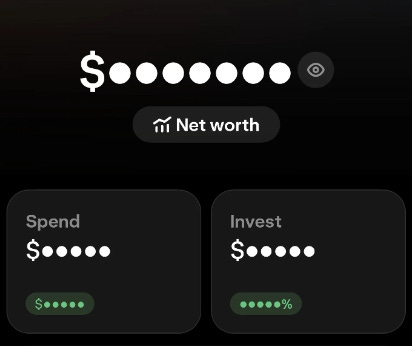
The net worth view lets you connect other bank accounts to Wealthsimple so you can track all your savings, assets, mortgage, debt, and more. Everything in one place.
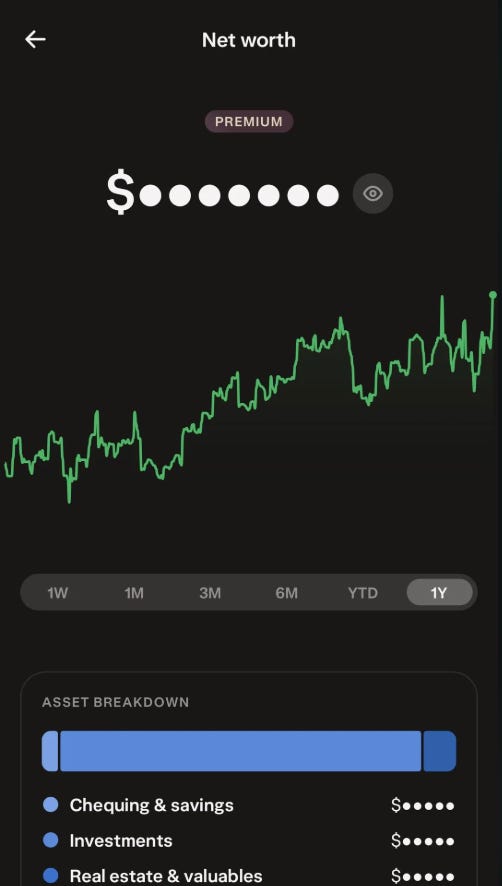
This is what financial products have been promising for years. Wealthsimple actually did it. I personally love it. Especially as someone who has things all over the place (I need to get better at having everything in one place, which is even more incentive to shift everything to Wealthsimple. Animals!)
2. Remy: the product agent that codes
I’ve written about Remy before (just yesterday, actually, and last week). I really like that it’s a product agent who codes, not a coding agent who does a little PM work on the side. It makes so much product sense.
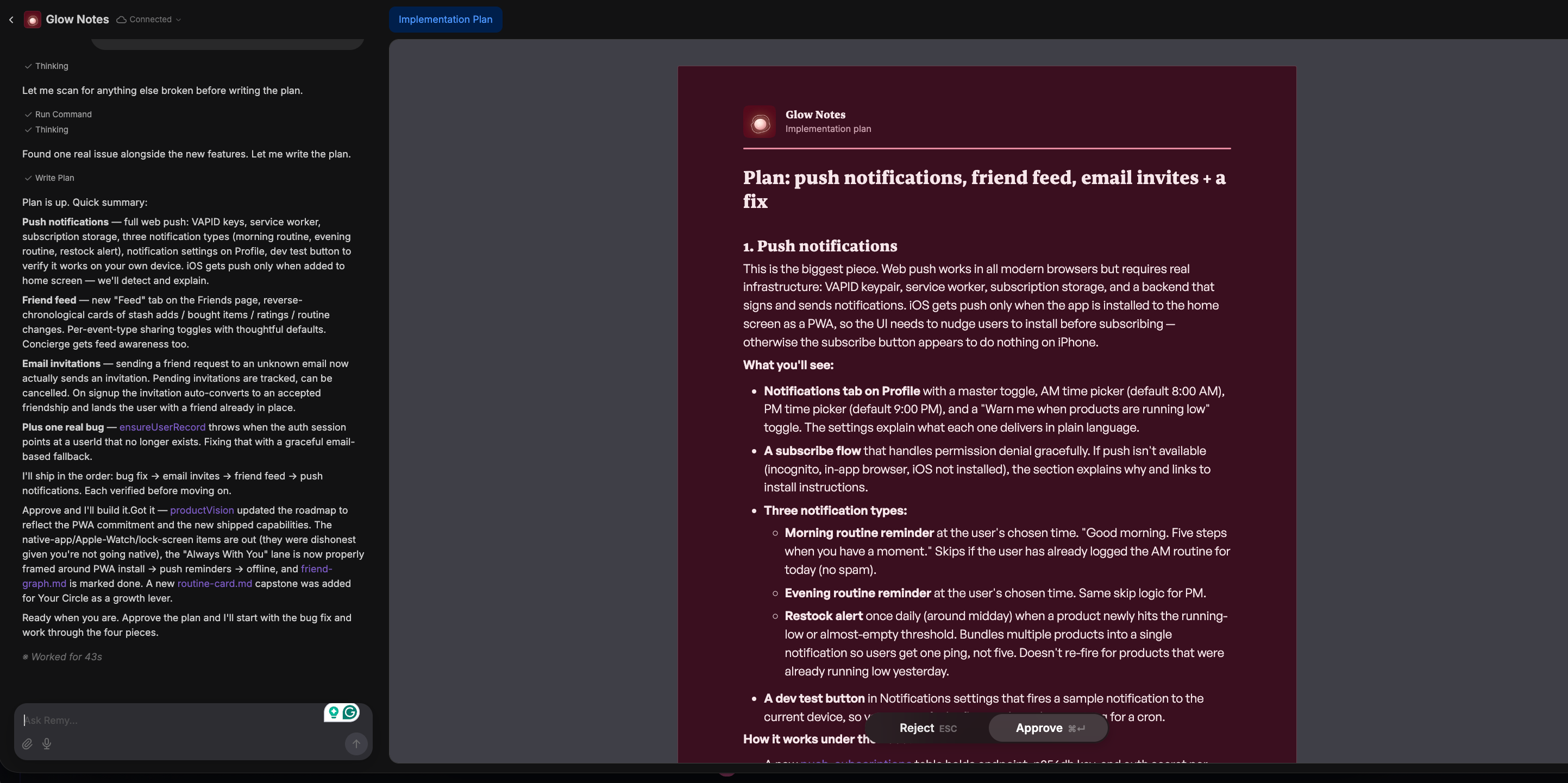
Most tools in this space hand you a blank prompt and expect you to already know what you want to build. Remy plans first and keeps you in that process. It asks clarifying questions, surfaces decisions you haven’t made yet, comes up with specs, gets your approval, and then builds. It’s doing important PM work and catching things before you even have to think about it.
Again, when you think about how teams actually function. You don’t just have engineers. You have PMs, PMMs, designers, and people thinking through the user before a line of code gets written.
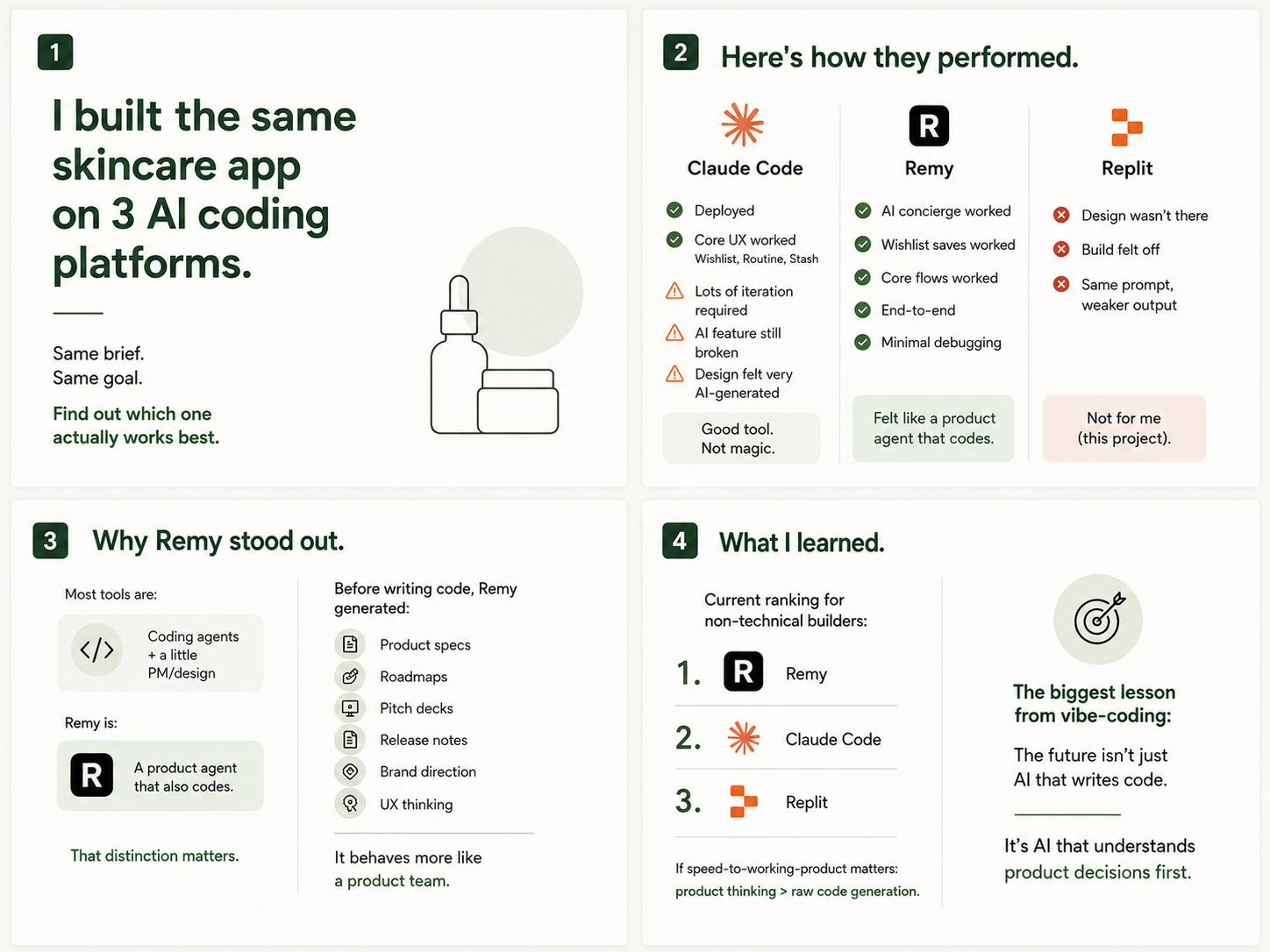
You can read more here.
The one thing to note, however, is that it is expensive if you don’t know how to use your tokens. I’ve spent $250 total, $200 of which was credits, so $50 out of pocket. It adds up unless you plan well, so make sure your prompts and token usage align with you. Price aside, if anyone who is a non-technical builder wants something that works fast, it’s still my first recommendation.
3. Spotify: three things, not one
I think Spotify is doing something smart, not just with AI, but as an app in general.
Spotify & AI
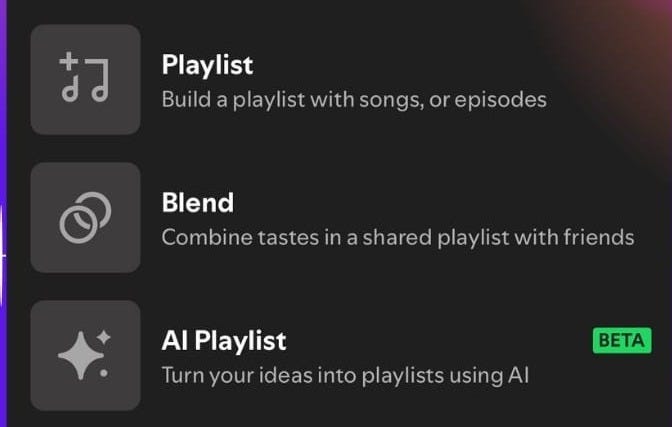
Let’s get the obvious one out of the way, and yes, it’s AI. The AI playlist prompt (still in beta). You describe a vibe, and it builds the playlist by using your actual listening behavior as the prompt, not just your text input. You already are the data. I know people have mixed feelings about this, but I’ve liked it.
AI DJ has been more popular. The common thing between these two features, though, is that Spotify uses AI to curate your listening experience, which, as a kid who brought her walkman anywhere she went and swore by the vinyl experience, is very cool to me that technology can do that now.
Spotify’s marketing tools for artists
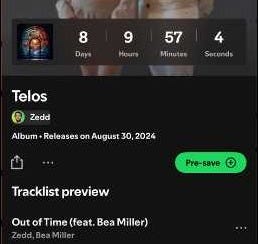
Spotify introduced some really cool marketing tools, such as countdowns and pre-saves, for artists over the past year, which I thought were long overdue. They’re also killing it with their Campaign Kit; their product marketing is doing the work.
All of this turns passive listening into anticipation. It creates a reason to come back to the app before the music even drops. Artists (and Spotify) can also flag their super fans. There’s so much data and signal here, I think it’s genius.
Spotify’s other viral loop: blend
This isn’t new, but as I went through the list of features I liked, it was definitely one of them. Blend is a shared playlist that combines the music you and up to 10 friends listen to. It updates daily based on everyone’s listening activity. Spotify pulls from what you’re all actually playing.
Road trips are the obvious use case. I’ve done it! It’s a great way to bring friends (and listeners) together.
But the user growth mechanic is also interesting. Every blend is an invitation, and every invitation is a reason for someone to open or download the app.
And now, this part I did not know, but once you’re in three one-on-one blends, Spotify gives you a friends mix, a playlist that combines your taste with all of theirs at once. So the more blends you join, the more personalized the product gets. Participation compounds.
You can also blend with artists. This closes the loop between the fan tools and the social features. The whole thing is one connected system. It’s great product design, and I’ve heard it’s great for user engagement and retention!
When Spotify first came out, I was very reluctant to use it, but I’ve been on it for more than 10 years now, crazy!
4. Rocket: the emoji app
This one is embarrassingly simple, but I must admit, it changed my life. Rocket makes emoji shortcuts actually work on Mac. The default fn shortcut is unreliable, which becomes a real problem when you’re fast typing.
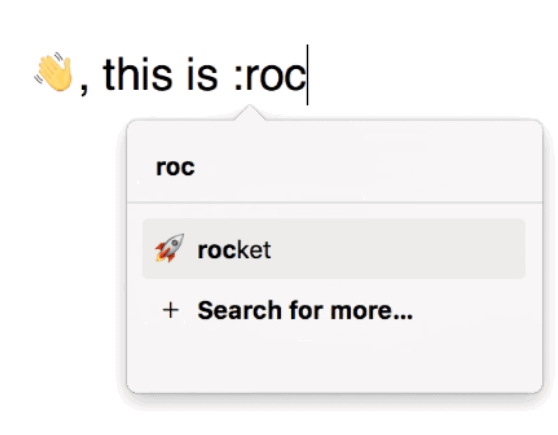
Rocket lets you type :tada: anywhere and get 🎉. I think about the collective hours lost to googling and copy-pasting emojis into captions or text, and I want to lie down. 🤦♀️ (yes, I typed this with :facepalm: )
4. Flighty: the email forwarding trick
Flighty is a live flight-tracking app, but the features are loaded. It tells you when your flight is delayed before the airline does, tracks your inbound plane, syncs all flights from your calendar, tells you which carousel your luggage landed, and I love the passport overview. My partner and I track each other’s flights there so we know when to pick each other up (he also introduced this to me!) 🚗
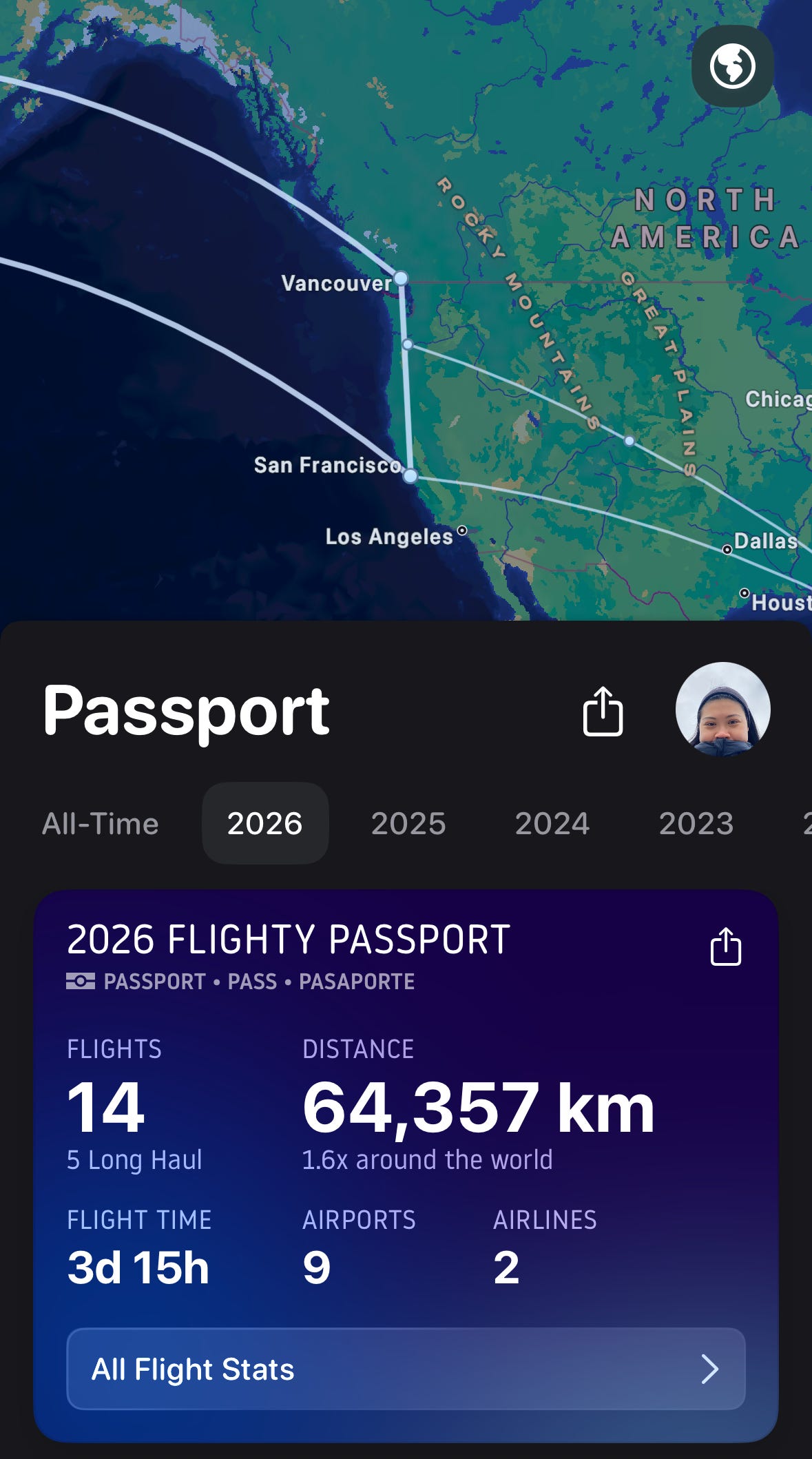
I purchased lifetime access last year during its Black Friday sale, and I think it’s one of my best Black Friday purchases as someone who averages more than 20 flights a year. I’m already at 14, and it’s only May 🫢
Yesterday, I found out that Flighty has a dedicated email address for forwarding your flight confirmations if your calendar doesn’t sync. Forward the email, and the flight appears in your tracker. No manual entry, no parsing the PDF, no typing in the flight number. I love it!
5. Gumloop: more good things come in three’s
I just finished a cohort with Gumloop University, which I’d recommend to anyone building with agents. They cover the basics and have prompts that get you building, especially if you're starting from scratch.

Gumloop is another tool I talk about often (peek here), and I recently hosted an event with them!
Here are other features in Gumloop that have caught my eye recently:
Agent inboxes
Gumloop agents now have their own email addresses. The agent monitors the inbox, reads what comes in, and acts on it. You don’t set up a trigger or write a rule, you just… email the agent. I’ve been emailing my Gumloop agent to personalize my event picks based on the city I’ll be in.
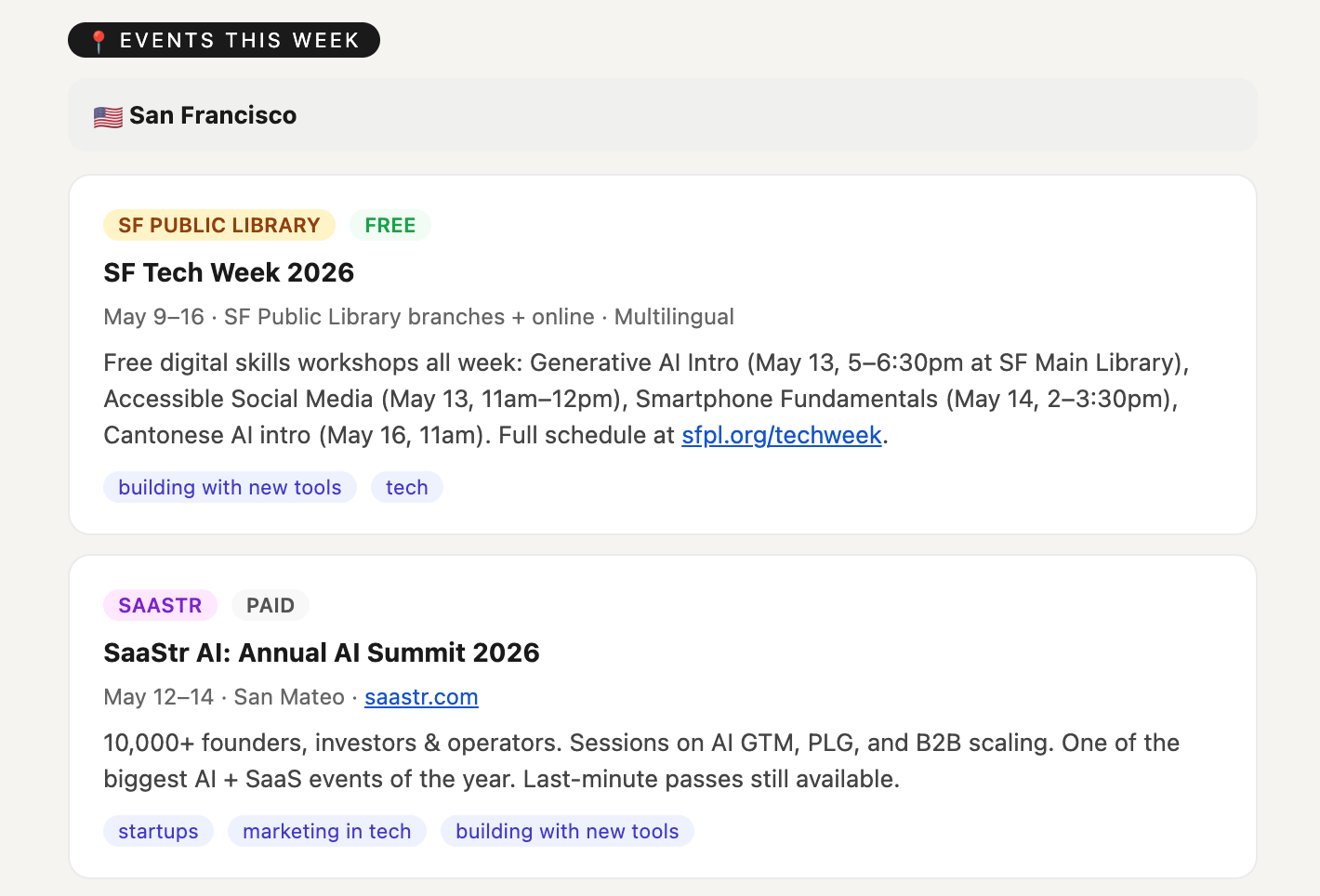
It’s usually SF, but this week I’m in Portland, and next week I’ll be in Vancouver.
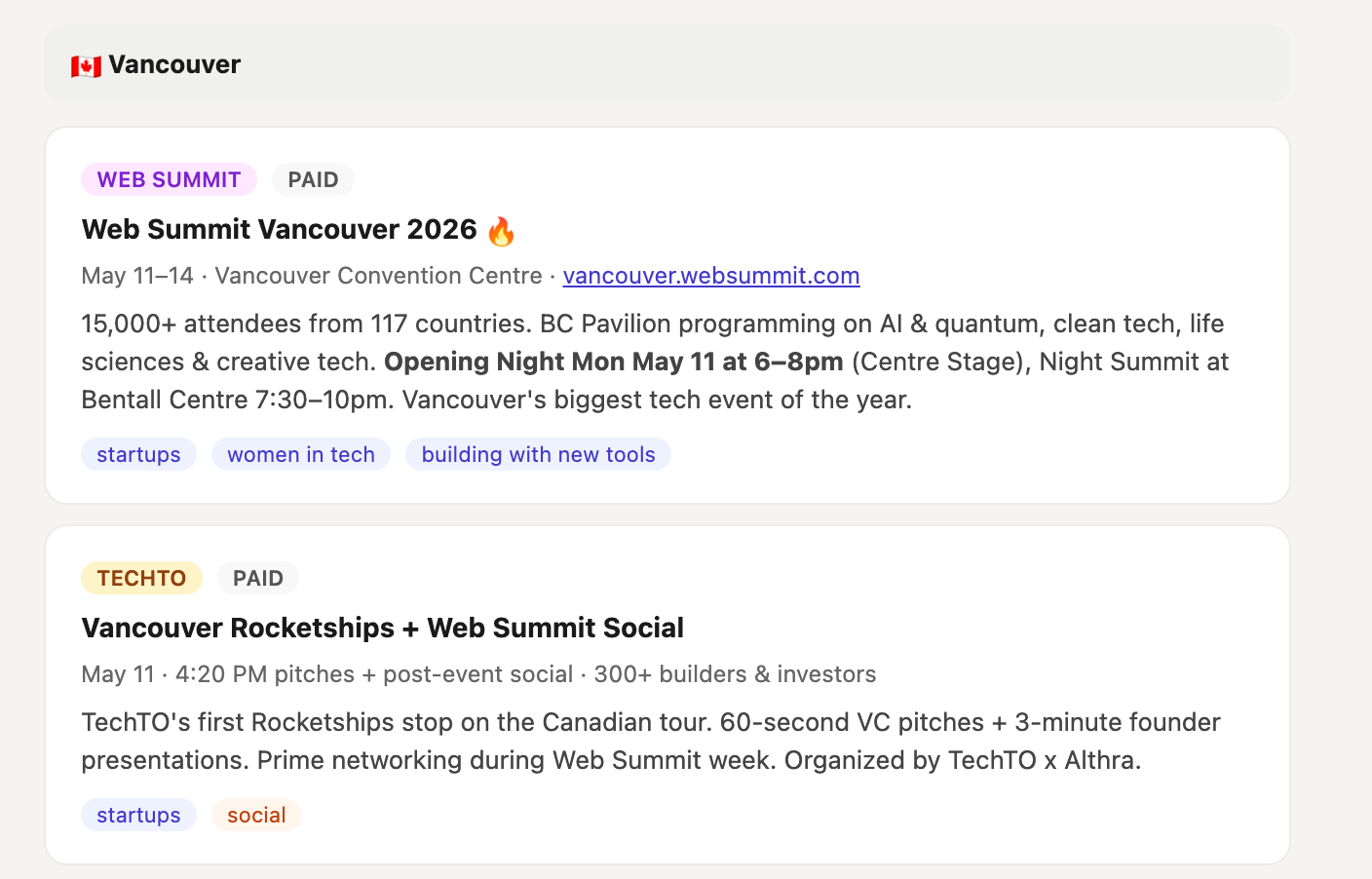
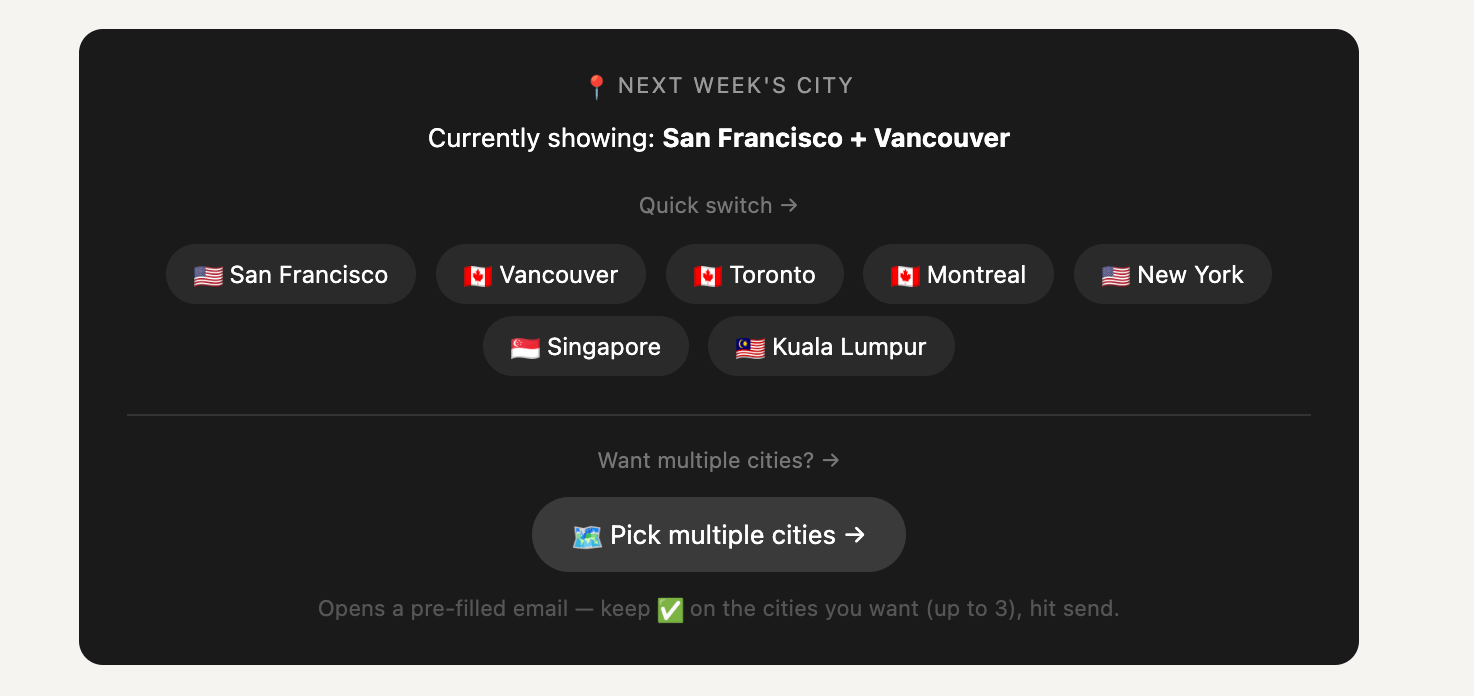
And at the bottom of the email, I have this and it automatically pre-populates an email I send to my agent!
Artifacts
Gumloop agents can create files. Not just docs and PDFs, maps, seating charts, countdown clocks, etc. I just set up an agent to monitor my website using Gumloop (you can connect it to GA4), and it creates an artifact (visual report) of how my website is doing, delivered straight to my inbox every Monday.
Last week, I also attended a Gumloop webinar for event operations, and man, artifacts were the star of the show!
Subagents
This one’s 🆕🆕!! Agents can call other agents. One agent can coordinate, while the others specialize. Think of it like a team. Someone in the workshop we were hosting was flirting with this, and I was in awe! Shout-out to Lindsay :)
Other products/features I tried that I liked
Littlebird: routines
I’ve briefly talked about Routines on Littlebird. Similar to agents, Routines can deliver reports based on your screens. Littlebird focuses on the “photographic memory” of your screens to provide you with the context you need for things you do repeatedly, and for me, recently, it’s been writing.
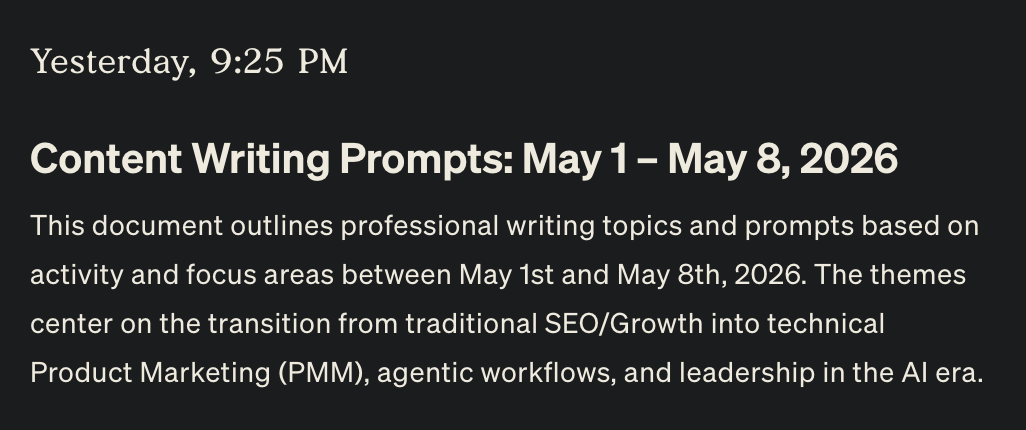
So I’ve asked it to come up with content-writing prompts (a mix of technical/creative writing) for me to look at every week, so I can create content for you! So far, it’s given me good topics based on what I’ve been reading online.
That’s a wrap for this month!
what made it into your rotation this month? have a product i should be testing? reply and tell me. i read & collect these! — nicole
![[bonus] the products + features i actually use (mar 2026)](https://substackcdn.com/image/fetch/$s_!Wdgq!,w_140,h_140,c_fill,f_webp,q_auto:good,fl_progressive:steep,g_auto/https%3A%2F%2Fsubstack-post-media.s3.amazonaws.com%2Fpublic%2Fimages%2F39cbba83-d0f7-4f56-8d62-2aa7936c41d4_512x512.png)
![[bonus] the products + features i actually use (feb 2026)](https://substackcdn.com/image/fetch/$s_!ucHk!,w_140,h_140,c_fill,f_webp,q_auto:good,fl_progressive:steep,g_auto/https%3A%2F%2Fsubstack-post-media.s3.amazonaws.com%2Fpublic%2Fimages%2Fa31175ad-6bb9-481b-86e2-57bcba3455a0_512x512.png)
If you find this interesting, you can find me on LinkedIn! We don’t have to do that, though. You can also find me on X and Instagram.
🛜 See you on the internet! 🌐
This was awesome! I already use Wealthsimple but didn't know about net worth view. And had NO idea about Rocket but just got it and OMG finally emojis that work. Idk why I never looked for a solution to the excruciating pain that is Mac emojis. T_T
Great breakdown! ❤️ Rocket!